
Why Most SaaS Websites Fail at SEO (And How to Fix It)

Why Most SaaS Websites Fail at SEO (And How to Fix It)
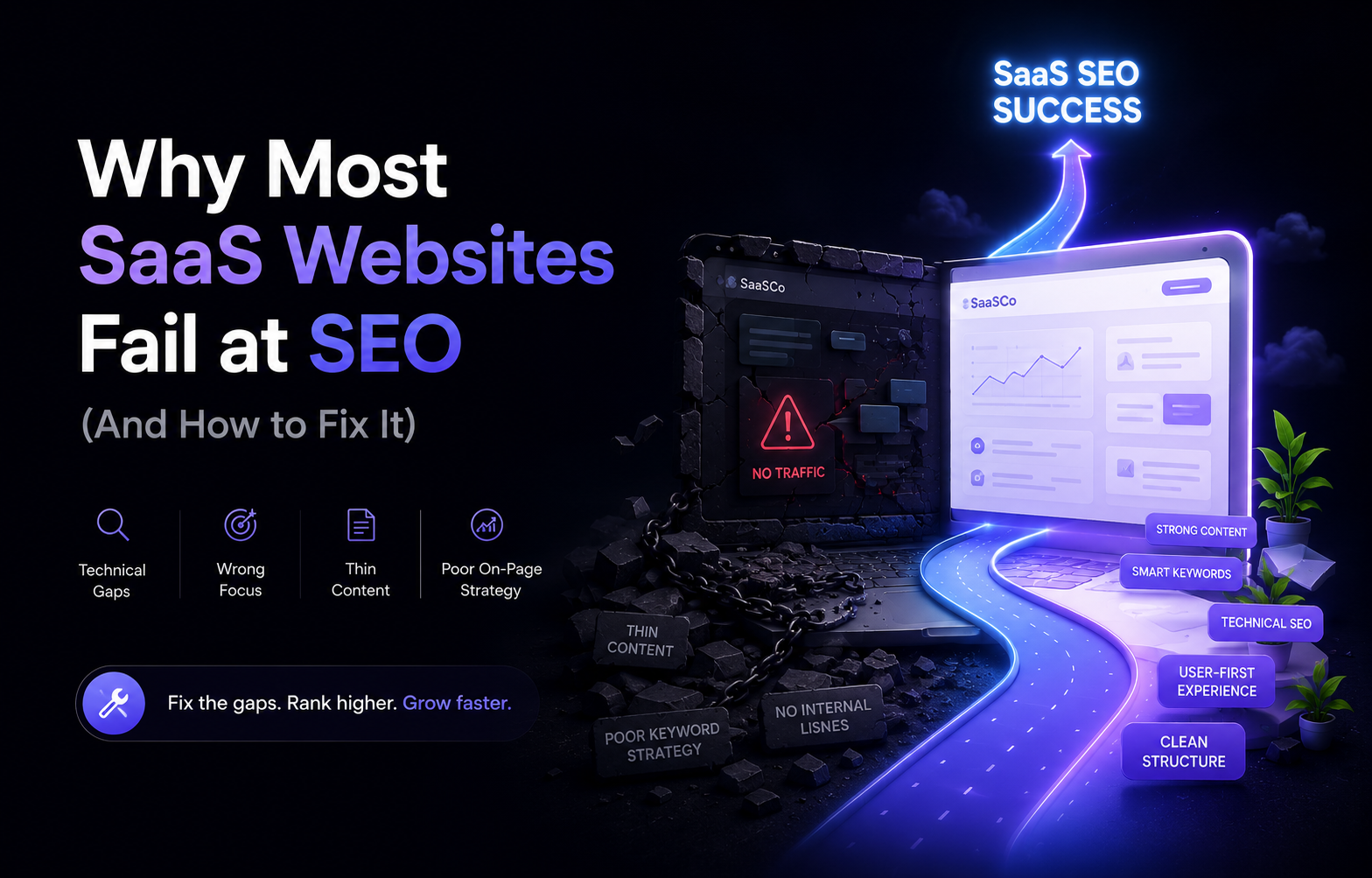
SaaS SEO often fails for a simple reason: the website is treated as a collection of product pages and blog posts rather than a connected search system.
Buyers search across the entire journey. They may start with a problem, compare categories, evaluate alternatives, search for integrations, check pricing, or look for a specific use case. A strong SaaS SEO strategy needs to cover those journeys while keeping the site technically accessible and commercially useful.
1. You focus only on product and feature pages
Product, pricing, and feature pages are important, but they usually cover only part of the search journey. Buyers may start with a problem or category before they know your product.
Fix it by building useful supporting content such as use-case pages, comparison content, industry pages, educational guides, customer stories, and relevant resources. Connect that content to the commercial pages it supports.
2. Feature pages compete with each other
Feature-page cannibalisation happens when multiple SaaS pages target nearly the same intent. Instead of creating a clear ranking target, the website gives search engines several pages with overlapping purposes.
Fix it by assigning one clear intent to each page. Consolidate pages when their purpose is substantially the same, or differentiate them with genuinely different audiences, use cases, problems, or evidence.
3. You do not create useful comparison pages
High-intent buyers often compare products, categories, and approaches before choosing a solution. A SaaS website without useful comparison content can miss an important commercial-intent stage.
Create honest comparison pages that explain differences, trade-offs, use cases, and who each option suits. Avoid thin “X vs Y” pages that exist only to repeat keywords.
4. You ignore integration pages
Integration searches can be highly relevant for SaaS buyers because they often begin with a product they already use. A useful integration page can explain how the connection works, what teams can do with it, setup considerations, limitations, and relevant workflows.
Do not mass-produce identical integration pages. Each should contain enough specific information to be genuinely useful.
5. Your website structure is weak
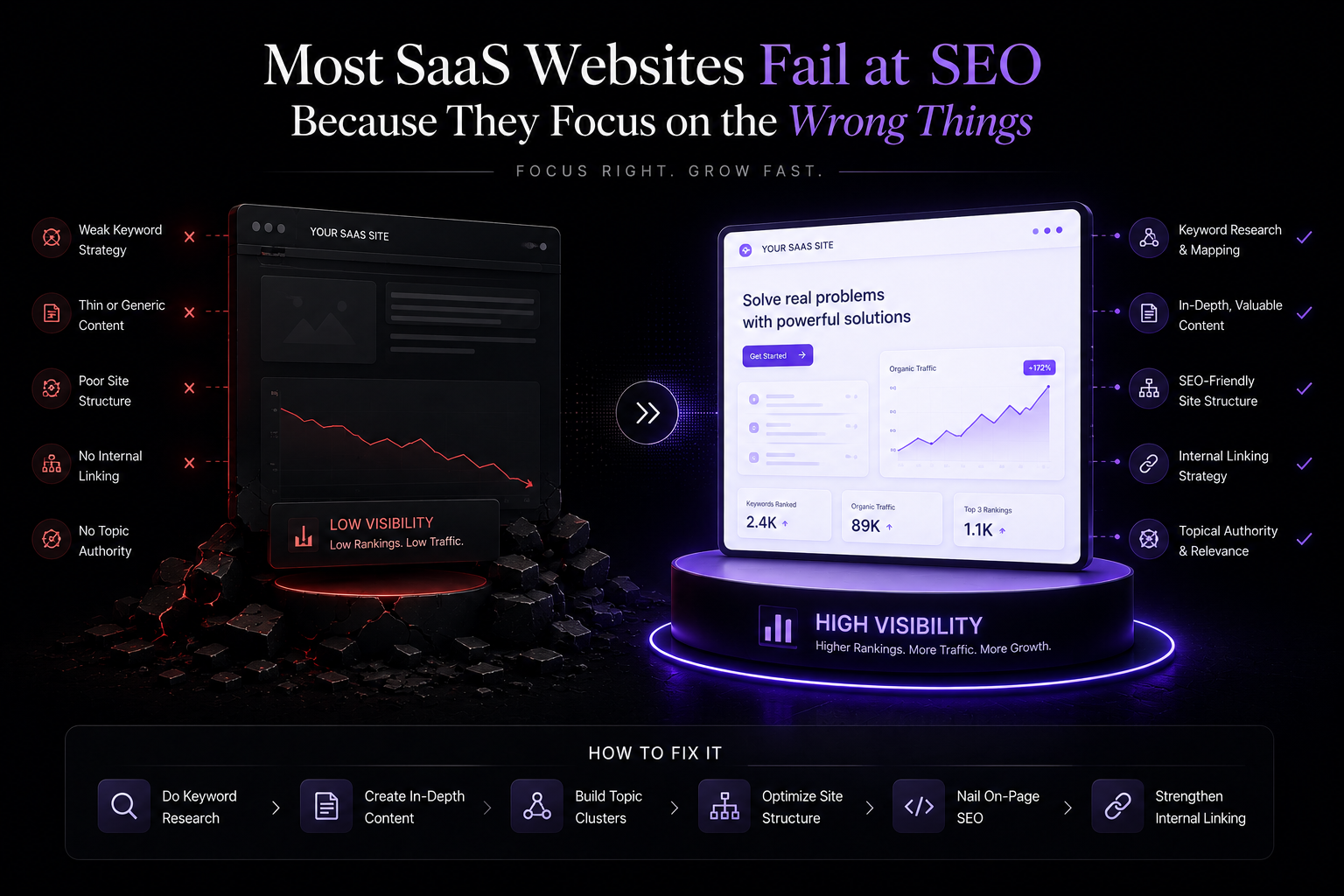
Poor navigation, orphan pages, broken links, unclear categories, and weak internal linking make it harder for users and search engines to understand the site.
Create a hierarchy around products, solutions, use cases, resources, comparisons, integrations, and commercial pages. Then connect related pages with descriptive internal links.
6. You publish without understanding search intent
A person searching “best CRM software” expects evaluation help. Someone searching “CRM definition” expects an explanation. Someone searching for a specific product name may expect a product or support page.
Identify intent before writing. The format, depth, examples, and CTA should match the searcher's goal.
7. You do not build topical authority
Random articles do not automatically create authority. Build clusters around the topics your product and audience actually care about. Connect supporting articles to core commercial pages and update important content as the market changes.
A smaller set of useful, connected resources can be more valuable than a large library of unrelated posts.
8. Technical SEO is neglected
Check indexability, canonical URLs, redirects, metadata, headings, mobile performance, sitemap behavior, structured data where relevant, duplicate content, and broken links.
Technical SEO should be monitored continuously. A technically inaccessible page cannot benefit from excellent copy.
9. You optimize traffic instead of pipeline
Organic traffic is a useful signal, but it is not the final business outcome. A page that attracts thousands of irrelevant visitors can contribute less than a smaller page that attracts qualified buyers.
Track organic conversions, demo starts, trial signups, assisted conversions, qualified leads, and revenue-related outcomes alongside sessions and rankings.
10. You do not update important content
Search results change. Products change. Competitors publish new pages. Old content becomes inaccurate.
Review high-value pages regularly. Update examples, product details, comparisons, internal links, screenshots, and calls to action. Consolidate content when multiple pages no longer have distinct purposes.
How to connect SaaS SEO to conversion
SEO should not end when someone lands on a page. A useful article should offer a logical next step. A comparison article can lead to a product evaluation page. An integration guide can lead to the relevant product capability. An educational guide can point to a related use case.
This is why internal linking matters across the entire content system, not only for rankings.
How Flow Unbounded fits into SaaS SEO
Flow Unbounded positions its Webflow work around high-performing marketing teams and SaaS success, covering development through optimisation. citeturn0search0 Its service pages also highlight SEO optimization as part of its Webflow work. citeturn0search2turn0search4
For SaaS teams, the practical value of combining Webflow development with ongoing optimization is that SEO changes can be implemented within the same website system rather than treated as a separate layer.
Final thoughts
SaaS SEO works best when product pages, use cases, comparisons, integrations, educational content, internal links, technical SEO, and conversion paths support one another.
Start with structure and search intent. Then build useful content around real buyer questions and connect it to the pages that support revenue.
related articles

What Is a Webflow Retainer and Is It Worth It?
Homepage Design Mistakes That Reduce SaaS Conversions